
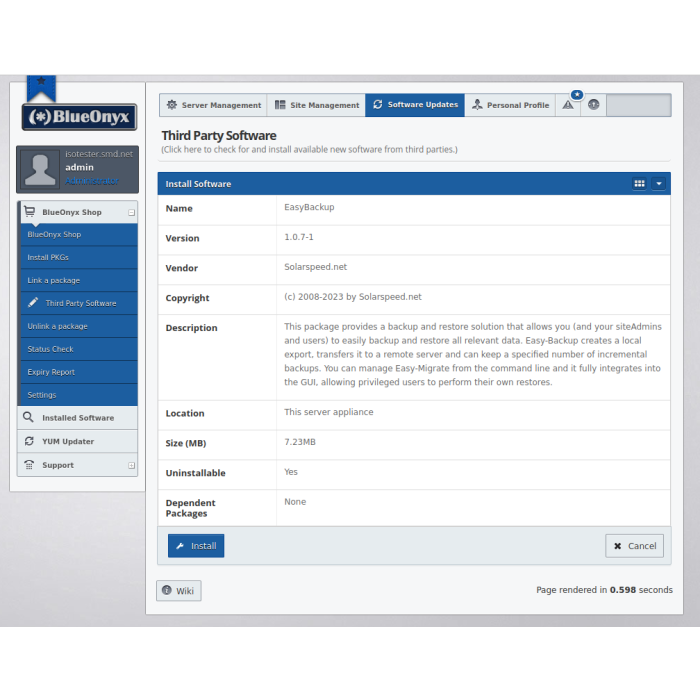
Easy-Backup
Easy-Backup allows to easily back up and restore all relevant data, including Vsites, Users, DNS, SQL, Emails, settings and more. Easy-Backup consists of a CLI command and a GUI that tightly integrates with the existing BlueOnyx GUI interface. The GUI can also allow siteAdmins and end-users to restore their data from the backups.
Regardless if you run a successful web hosting business with hundreds of sites on your server, or "just" a personal blog and a few sites for friends and family: If all the data on the server gets corrupted or lost and you need to start with a fresh OS install, then you are in quite some distress.
To prevent this from happening we created the SOLARSPEED.NET Easy-Backup, which replaces our older Automated Backup.
Easy-Backup allows the server administrator to easily back up and restore all relevant data, including Vsites, Users, DNS, SQL, Emails, settings and more. Easy-Backup consists of a CLI command (/usr/sausalito/sbin/easy-backup) and a GUI that tightly integrates with the existing BlueOnyx GUI interface. Permission can be grated to siteAdmins and regular users so that they, too, can easily restore their relevant data via the GUI interface.
How does it work?
Easy-Backup uses similar methods as "Easy-Migrate" to retrieve and transfer data and settings from users. But instead of direct transfer of these settings via CCE set transactions and transfer of the data via RSYNC, it generates an export data set. This consists of JSON files for the settings and tarballs for the data of the Vsites, users, DNS and SQL. Additionally, there is a checksum file which is used to check the data integrity of the dataset.
This export dataset is backed up to a remote machine using the Linux tool "Duplicity". "Duplicity" can handle various protocols (SSH, SCP, RSYNC, FTP, FTPS, SFTP). Storage via SSHfs, Samba, NFS and some "clouds" (AWS, Azure, Dropbox, MegaNZ, Google Drive) is also possible in principle, but are not implemented to avoid various complications.
With "Duplicity", you can also store data sets in many generations quite easily and in a relatively space-saving way, because it can do incremental backups in addition to full backups and then also stores them smartly and in a space-saving way. It also takes away the work of managing the aging and recombination of full backups and increments yourself when the number of desired increments is reached.
If you choose incremental storage of backups, you can either restore from the latest available backup, or from any of the previous increments. So if you have seven days of backups, you could restore the backup from any of these previous days, going as far back as seven days.
A full description of the features of Easy-Backup is available here.
| Delivery Time: | Immediate Download |
|---|---|
| Version | 1.1.14 |